
Top 10 Productivity Apps to Enhance Your Efficiency in 2025 (Beyond To-Do Lists)
In a world buzzing with notifications and endless tasks, staying productive feels like a superpower. But here’s the good news: the best productivity apps 2025 can turn that overwhelm into streamlined success. Whether you’re a student cramming for exams, a remote worker juggling deadlines, an entrepreneur building your empire, or a busy parent squeezing in self-care, these tools go beyond basic checklists. They incorporate AI, automation, and smart insights to help you focus on what truly matters.
This list spotlights time management tools and task management apps that are reshaping how we work and live. We’ve curated options that are user-friendly, versatile, and packed with features to boost your daily output. Ready to reclaim your hours? Let’s dive in.
Why Productivity Apps Matter More Than Ever in 2025
2025 is the year of hybrid work, AI-driven distractions, and non-stop connectivity. With remote setups now the norm, work from home apps have become essential for maintaining boundaries and flow. Studies show that poor time management costs the average professional up to 20% of their day— that’s hours lost to scrolling or scattered notes.
Digital productivity tools like these apps help by automating routines, tracking habits, and fostering deep focus. They teach you how to increase work efficiency without burning out. For students, they organize study sessions; for entrepreneurs, they streamline client projects; for parents, they carve out “me time” amid chaos. In short, these aren’t just apps—they’re your secret weapon against procrastination.
Quick Tip: Start small. Pick one app that tackles your biggest bottleneck, like endless emails or forgotten tasks, and watch your productivity soar.
How We Selected the Best Productivity Apps
We scoured user reviews, expert analyses, and real-world tests to pick the best productivity apps 2025. Criteria included ease of use, integration with daily life, innovation (think AI enhancements), and value—especially free productivity apps with premium features. We prioritized tools available across devices for seamless switching between phone and laptop.
No fluff here: Each app was evaluated for its ability to solve common pain points, like fragmented workflows or motivation dips. From task management apps to focus boosters, these stand out for their reliability and impact. (For more on building habits, see our guide to mastering the Pomodoro Technique.)
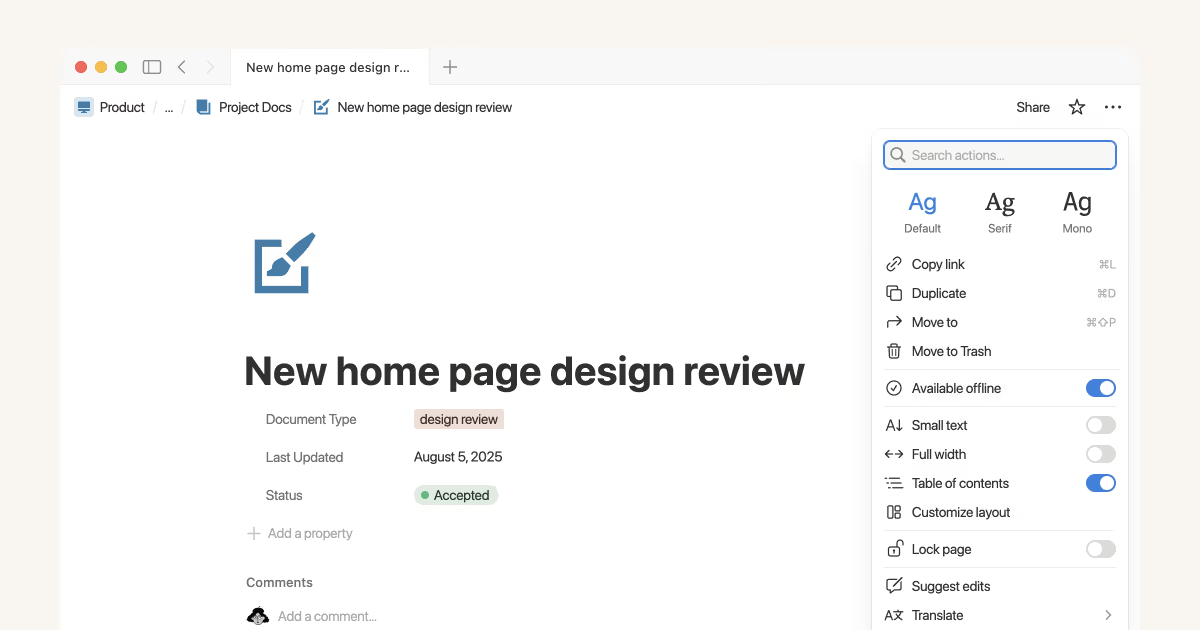
1. Notion – All-in-One Workspace for Notes, Tasks, and Databases
Notion is like a digital Swiss Army knife, combining notes, databases, and wikis into one customizable space. It’s perfect for turning scattered ideas into organized systems without switching apps.
Key features that set it apart:
- Modular templates: Build pages for everything from habit trackers to project boards.
- AI-powered writing: Generate summaries or brainstorm ideas on the fly.
- Real-time collaboration: Share workspaces for team brainstorming.
Best use case: Ideal for entrepreneurs managing multiple side gigs, where you need a central hub for client notes, invoices, and goals.
Platform availability: iOS, Android, Web, Desktop (Windows, Mac).
Pricing model: Free tier with unlimited pages for individuals; premium starts at $10/user/month for teams, with a 7-day trial.
Unique tip: Use Notion’s “synced blocks” to create a master to-do list that auto-updates across all your pages—saves hours on manual syncing. As a top digital productivity tool, it excels in how to increase work efficiency for creative pros.
2. Todoist – Smarter Task Management with AI Summaries
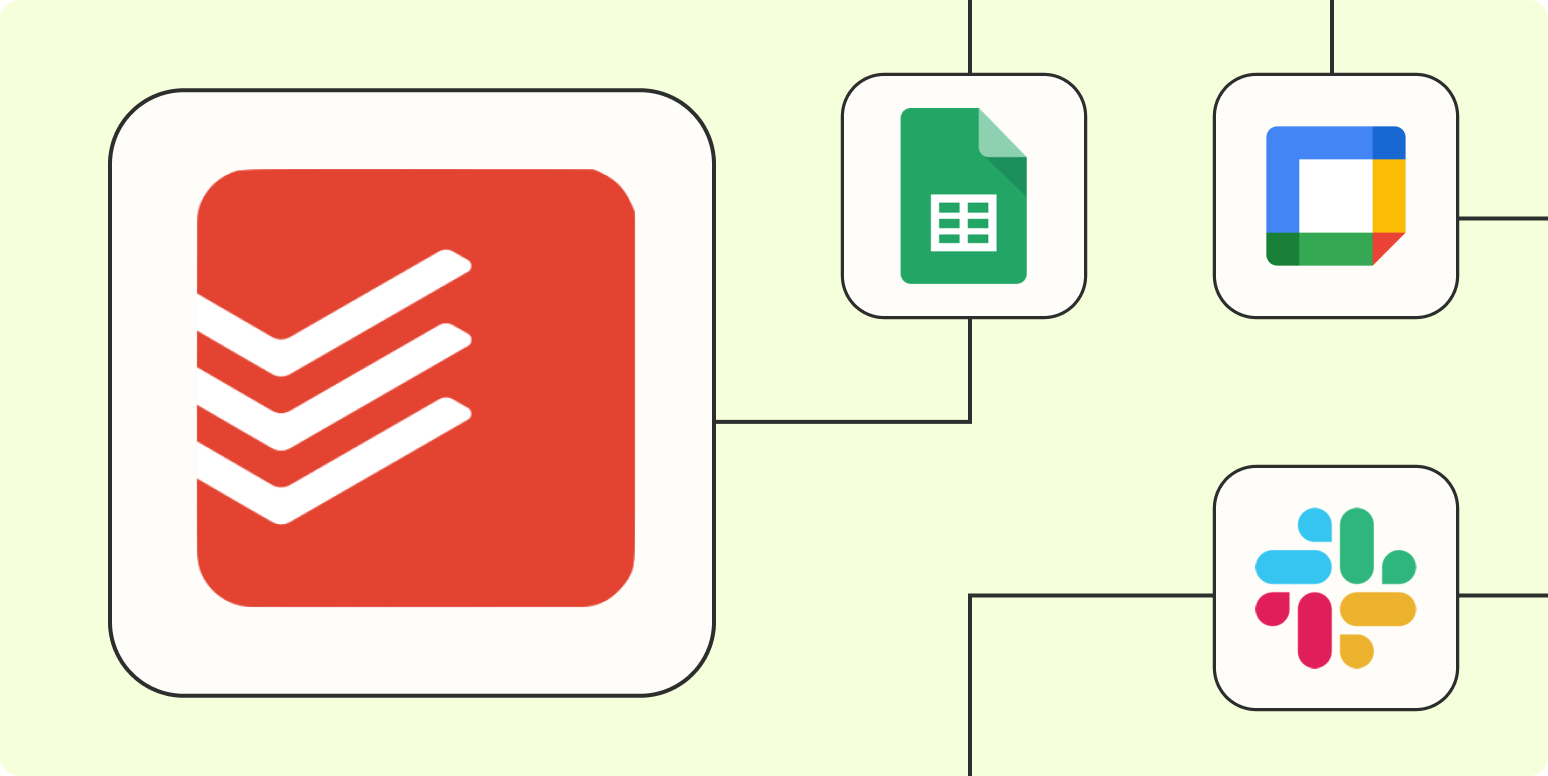
Todoist transforms overwhelming lists into actionable plans with natural language input and smart scheduling. It’s a step up from basic to-do apps, using AI to prioritize and recap your day.
Key features that set it apart:
- Natural language parsing: Type “Meeting tomorrow at 3pm” and it auto-schedules.
- AI productivity insights: Daily recaps highlight what you accomplished and suggest tweaks.
- Labels and filters: Tag tasks by project or energy level for quick sorting.
Best use case: Great for students balancing classes, assignments, and extracurriculars—keeps everything prioritized without the stress.
Platform availability: iOS, Android, Web, Desktop (Windows, Mac, Linux).
Pricing model: Free tier for basic lists (up to 5 projects); premium at $4/month for AI features and reminders, with a 30-day trial.
Unique pro trick: Integrate Todoist with your calendar via Zapier (more on that later) to auto-add deadlines—turns it into a powerhouse task management app for busy schedules. If you’re hunting free productivity apps with premium features, this one’s a gem for time management tools.
3. Toggl Track – Time Tracking Made Simple (And Insightful)
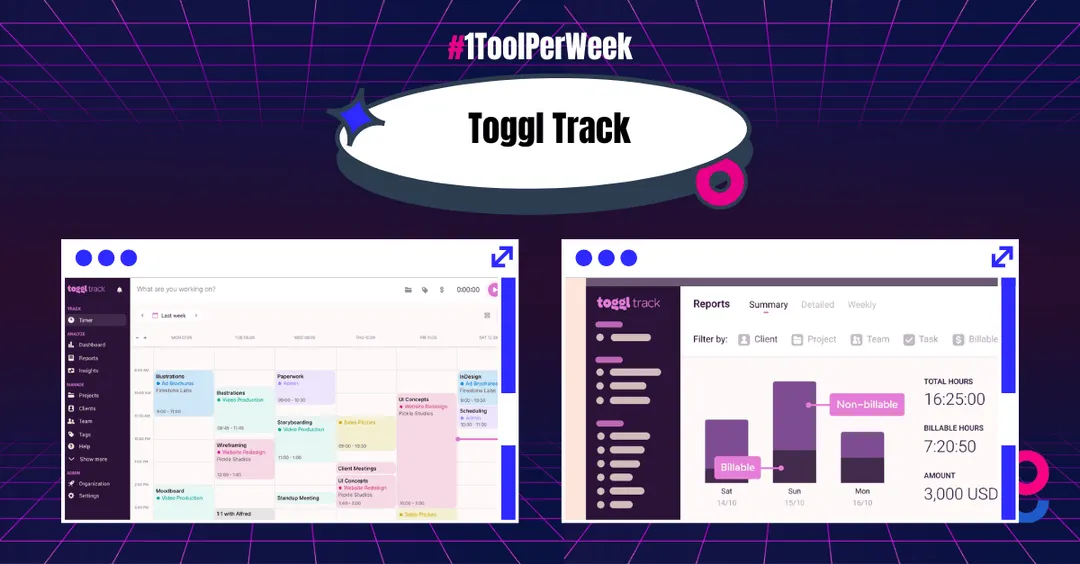
Toggl Track lets you log hours effortlessly with a one-click timer, then delivers reports to spot where your time really goes. It’s less about micromanaging and more about gaining clarity on your habits.
Key features that set it apart:
- Idle detection: Pauses the timer if you step away, preventing inaccurate logs.
- Detailed reports: Visualize time spent on projects with pie charts and trends.
- Pomodoro integration: Built-in timers for focused sprints.
Best use case: Perfect for freelancers billing by the hour, helping you track client work accurately and optimize rates.
Platform availability: iOS, Android, Web, Desktop (Windows, Mac, Linux).
Pricing model: Free for up to 5 users with basic tracking; premium at $9/user/month for advanced reports, no trial needed but easy upgrade.
Unique tip: Set up “time estimates” for tasks to compare planned vs. actual time—this hidden feature builds better how to increase work efficiency skills over weeks. A must-have among best productivity apps 2025 for remote warriors.
4. Focus@Will – Science-Backed Music to Boost Concentration
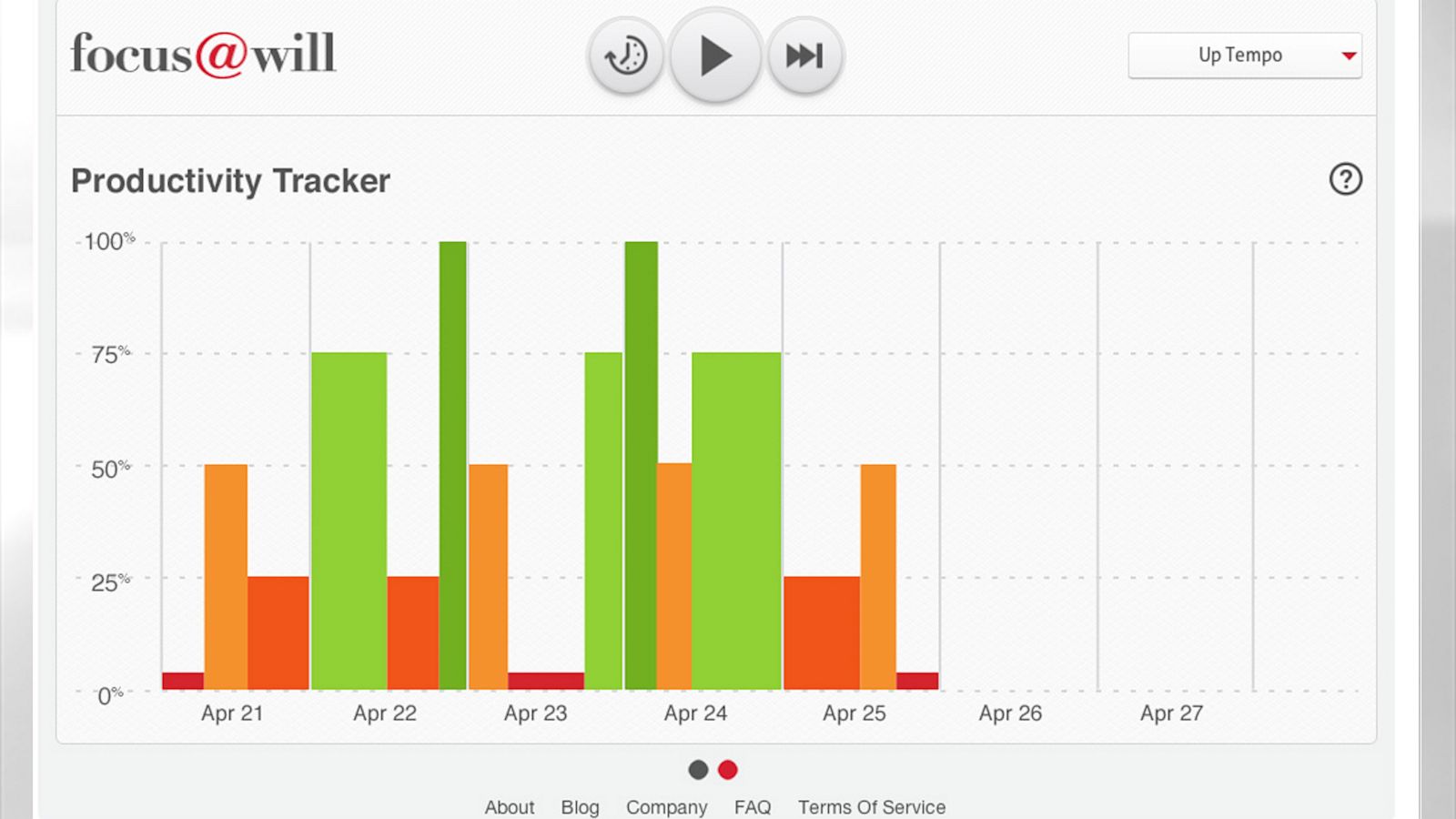
Focus@Will streams neuroscience-based music channels designed to extend your attention span by up to 400%. It’s not just playlists—it’s audio engineered to match your brain’s focus waves.
Key features that set it apart:
- Personalized channels: Choose based on your mood, like “Alpha Waves” for deep work.
- Session tracking: Logs your focus streaks and suggests optimal listening times.
- Offline mode: Download tracks for distraction-free sessions anywhere.
Best use case: Ideal for remote workers in noisy homes, drowning out distractions during video calls or writing marathons.
Platform availability: iOS, Android, Web, Desktop (Windows, Mac).
Pricing model: Free 14-day trial; premium at $52.99/year for unlimited access—no basic free tier, but the trial lets you test full features.
Unique pro trick: Pair it with a browser extension to auto-pause music during breaks, syncing with your calendar for uninterrupted flow. This work from home app shines as a digital productivity tool for sustained focus.
5. Microsoft To Do – Seamless Integration with Windows & Office 365
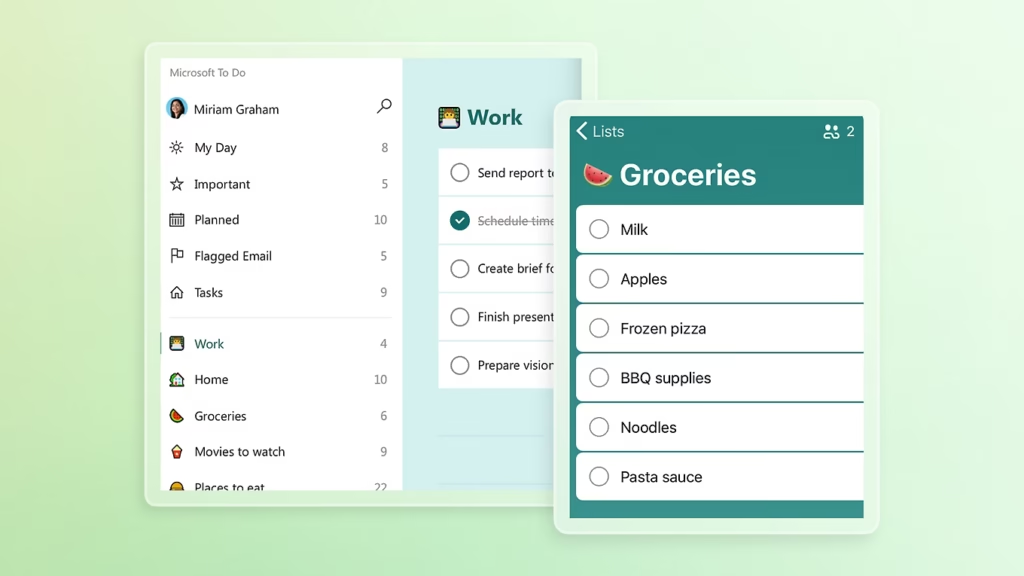
Microsoft To Do keeps your tasks front and center with simple lists and reminders, pulling in emails and Outlook events automatically. It’s understated but powerful for Microsoft ecosystem users.
Key features that set it apart:
- My Day view: Curates daily priorities with smart suggestions.
- File attachments: Link docs directly from OneDrive.
- Shared lists: Collaborate on grocery runs or team projects effortlessly.
Best use case: Suited for busy parents syncing family chores with work reminders in one glance.
Platform availability: iOS, Android, Web, Desktop (Windows, Mac via Outlook).
Pricing model: Completely free with Office 365 integration; premium features via Microsoft 365 subscription ($6.99/month), but core app is robust standalone.
Unique tip: Use the “Step” feature to break big tasks into micro-steps—email it to yourself for instant list creation. As a free productivity app, it’s unbeatable for task management apps in everyday life.
6. Grammarly – Write Clearly, Confidently, and Error-Free
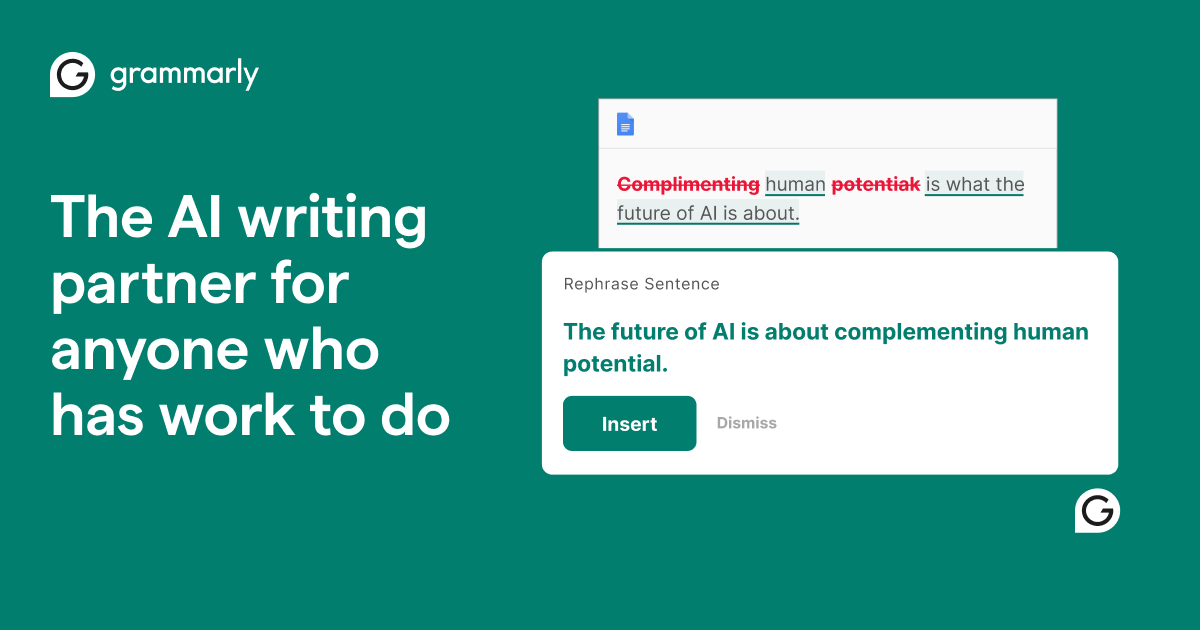
Grammarly acts as your personal writing coach, catching errors and suggesting tone tweaks in real-time across emails, docs, and social posts. It goes beyond spelling to elevate your communication.
Key features that set it apart:
- Tone detector: Adjusts for professional, friendly, or persuasive vibes.
- Plagiarism checker: Scans for originality in essays or reports.
- Generative AI: Rewrites sentences for clarity or brevity.
Best use case: Essential for entrepreneurs crafting pitches or proposals—ensures polished, professional output every time.
Platform availability: iOS, Android, Web, Desktop (Windows, Mac), browser extensions.
Pricing model: Free tier for basic grammar checks; premium at $12/month for advanced suggestions, with a 7-day trial.
Unique pro trick: Enable “Goals” in settings to tailor feedback for specific audiences, like “job application”—transforms it into a career booster. A top pick for how to increase work efficiency in writing-heavy roles.
7. Obsidian – Build a Personal Knowledge Graph for Deep Thinking
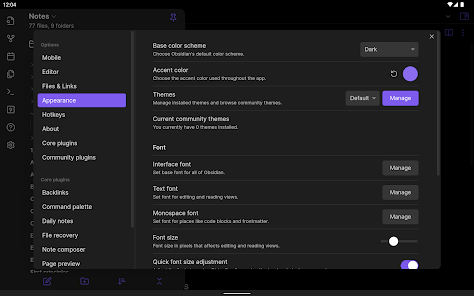
Obsidian links your notes like a personal Wikipedia, using markdown files to create a visual web of ideas. It’s offline-first, emphasizing long-term knowledge building over quick notes.
Key features that set it apart:
- Graph view: See connections between notes as an interactive map.
- Plugin ecosystem: Add calendars, kanban boards, or even flashcards.
- Local storage: All data stays on your device for privacy.
Best use case: Perfect for students researching theses, linking sources and insights for deeper understanding.
Platform availability: iOS, Android, Desktop (Windows, Mac, Linux)—no web version, but syncs via cloud.
Pricing model: Completely free for personal use; optional $4/month sync add-on for multi-device access.
Unique tip: Install the “Dataview” plugin to query your notes like a database—pull up all tasks tagged “urgent” in seconds. This digital productivity tool redefines note-taking for thinkers.
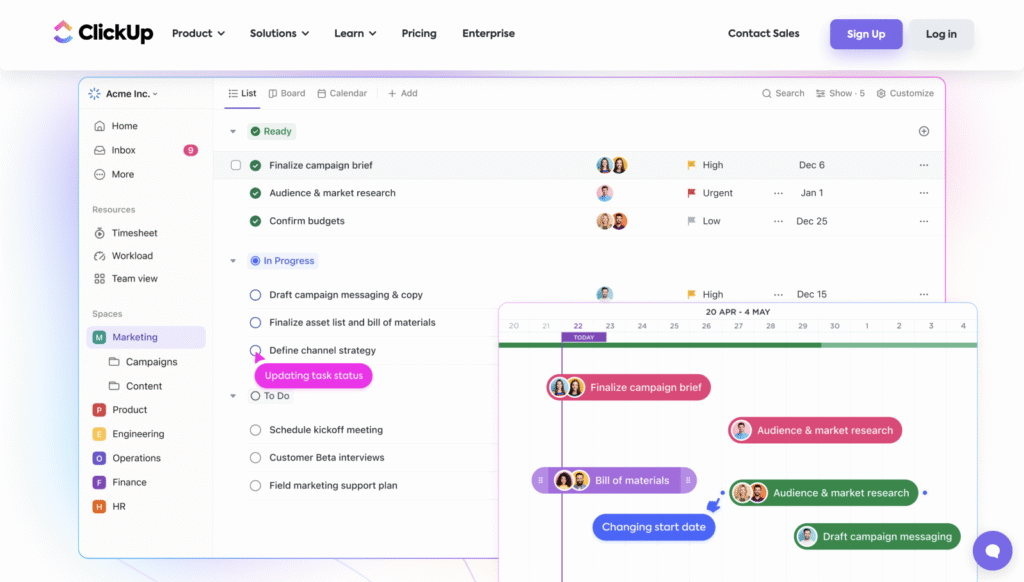
8. ClickUp – Manage Projects, Docs, Goals, and Chat in One Platform
ClickUp is an all-encompassing hub for teams, blending tasks, docs, whiteboards, and AI chat into a single dashboard. It scales from solo use to enterprise without feeling bloated.
Key features that set it apart:
- Custom views: Switch between lists, boards, or Gantt charts.
- AI task generation: Auto-creates subtasks from vague ideas.
- Goal tracking: Set OKRs and monitor progress visually.
Best use case: Ideal for small teams or entrepreneurs handling projects, docs, and client comms in one spot.
Platform availability: iOS, Android, Web, Desktop (Windows, Mac, Linux).
Pricing model: Free tier for unlimited tasks (100MB storage); premium at $5/user/month for AI and integrations, 14-day trial.
Unique pro trick: Use “ClickApps” to toggle only the features you need—like turning off chat for solo mode—keeps it lightweight. Among best productivity apps 2025, it’s a leader in task management apps.
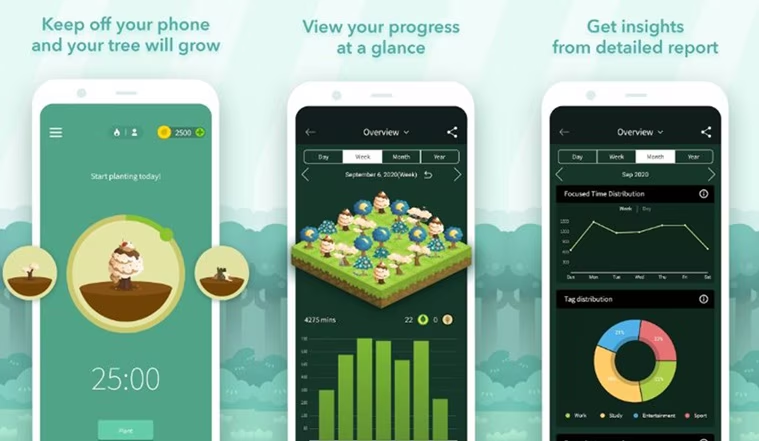
9. Forest – Stay Focused with Gamified Pomodoro Technique
Forest gamifies focus by growing virtual trees during timed sessions—if you leave the app, your tree dies. It’s a fun twist on Pomodoro, turning productivity into a rewarding game.
Key features that set it apart:
- Tree planting: Build a digital forest as you complete sessions.
- Whitelist mode: Block distracting apps without full lockdown.
- Stats and challenges: Track focus trends and join global trees.
Best use case: Great for anyone battling phone addiction, like students during study blocks or parents during nap times.
Platform availability: iOS, Android, Desktop (via browser extension).
Pricing model: Free basic version; premium at $3.99 one-time purchase for full features, no ongoing costs.
Unique tip: Sync with real-world planting via partnerships—your virtual forest funds actual trees, adding eco-motivation. A delightful work from home app for habit-building.
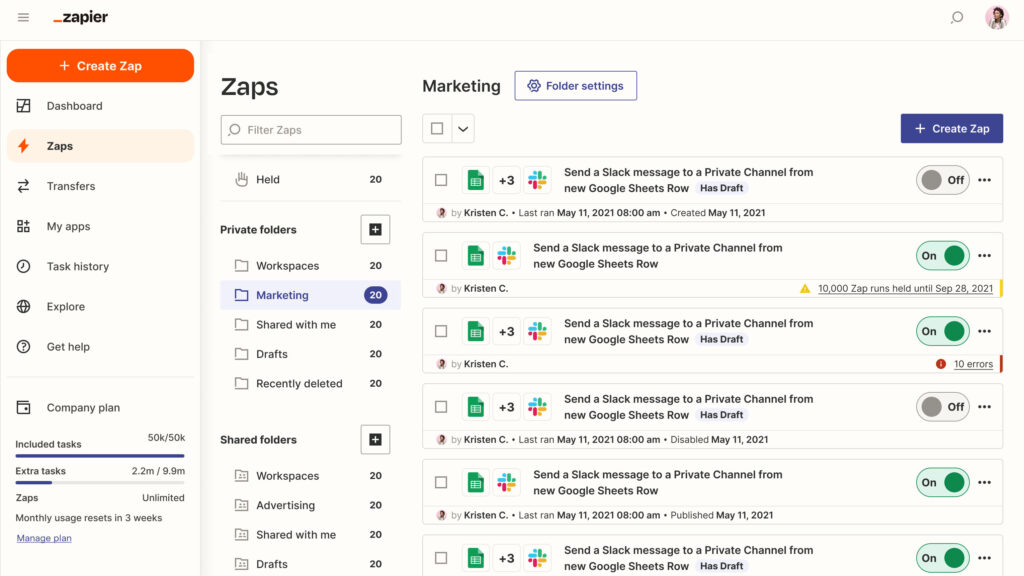
10. Zapier – Automate Repetitive Tasks Across 5,000+ Apps
Zapier connects your apps to automate workflows, like saving email attachments to Google Drive or posting Slack updates from forms. It’s the glue for a frictionless digital life.
Key features that set it apart:
- No-code zaps: Build automations with simple if-this-then-that logic.
- Multi-step workflows: Chain actions across apps for complex tasks.
- AI enhancements: Suggests zaps based on your usage patterns.
Best use case: Suited for remote workers tired of manual data entry, like syncing leads from forms to CRMs.
Platform availability: Web-based with iOS/Android apps for monitoring; integrates with desktops via browser.
Pricing model: Free tier for 100 tasks/month; premium starts at $19.99/month for unlimited, 14-day trial.
Unique pro trick: Use “Zapier Tables” as a mini-database to store data without extra tools—streamlines reporting. This automation king elevates all your time management tools.
Wrapping It Up: Your Path to Peak Productivity
Productivity isn’t about doing more—it’s about doing what matters. The right tools turn chaos into clarity, distractions into focus, and goals into progress. Whether you’re juggling side gigs, studying, or managing a team, one of these apps can become your daily ally.
From Notion’s versatility to Zapier’s magic, these best productivity apps 2025 offer paths to how to increase work efficiency. Mix free tiers with premiums to fit your budget, and remember: consistency beats perfection.
Ready to reclaim your time? Try one app this week—start with the one that solves your biggest pain point. Share your favorite tool in the comments below, or tag a colleague who needs this list!
Explore more tech tips at TechVaultMM
Discover digital innovations
(Word count: 1528)